
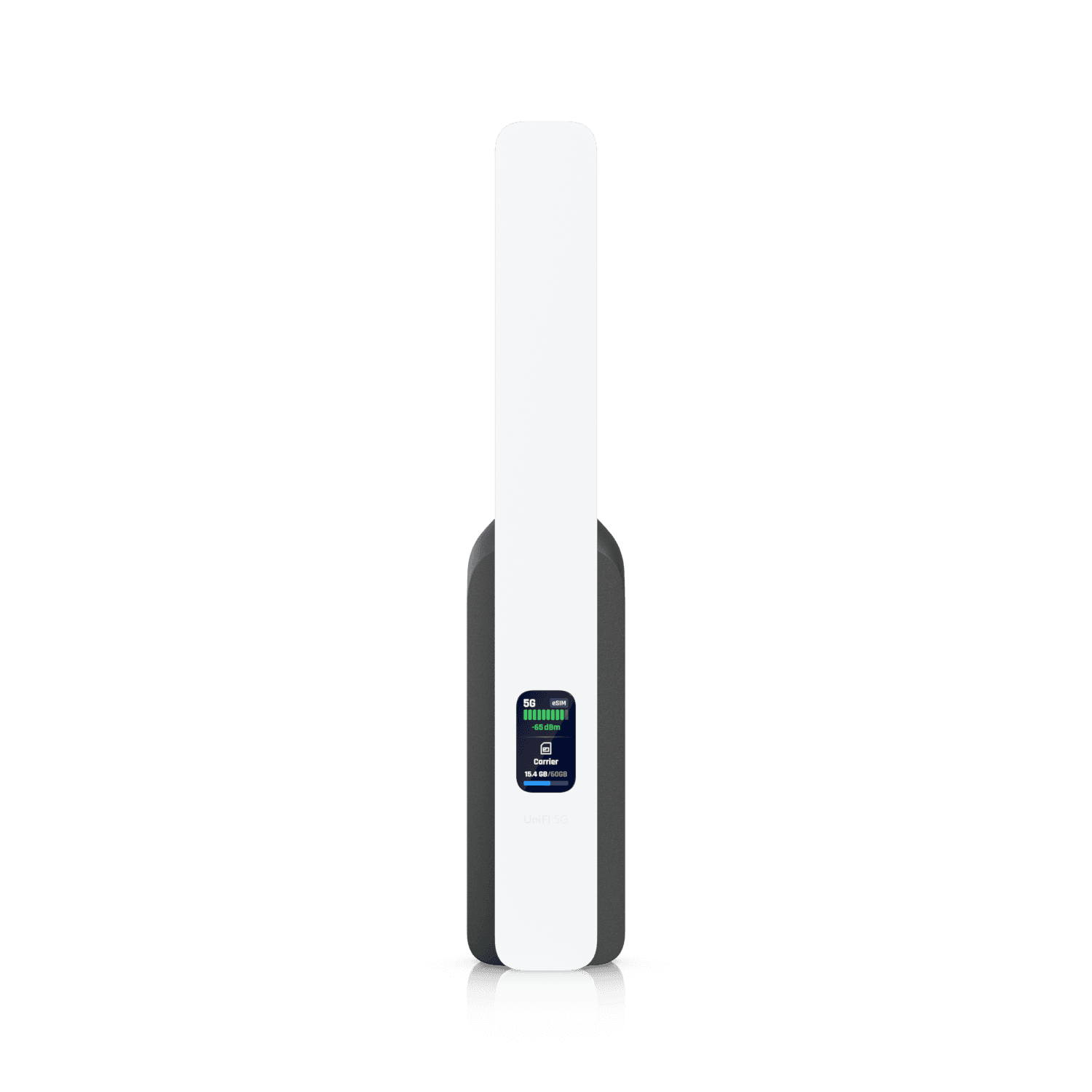
Every small business with broadband has had the same day. A Zoom call drops mid-pitch. The point-of-sale freezes during a checkout. The cloud-based practice management software refuses to load while a patient is in the chair. Twenty minutes later everything is back, and you go on with your day pretending it didn't cost you anything.
For most of us, the math on actually fixing this has always been worse than the problem. UniFi just changed that math with a $99 device.
Why Most Small Businesses Skip Backup Internet
Real internet redundancy used to require two ISPs, a failover router, and a service contract. The all-in cost was usually somewhere between $200 and $500 a month per location, plus weeks of setup and configuration. Unless your business literally cannot survive a one-hour outage, that math never works for the small office.
So most small businesses just live with it. The connection drops a few times a month, sometimes for thirty seconds and sometimes for hours, and we mostly tolerate it because the alternatives have always been priced for enterprises.
More MSPs are standardizing on UniFi every year, partly because UniFi keeps dragging enterprise capabilities down into small-business price ranges. The new UniFi U5G is the cleanest example yet.
What "5G Red Cap" Actually Means
The U5G uses a newer cellular standard called 5G Red Cap, short for Reduced Capacity. It sits between LTE and full 5G, designed specifically for devices that need a reliable always-on connection rather than gigabit peak speeds. UniFi describes it as "the ideal successor to LTE for applications like network backup, where maintaining a consistent always-on connection is more critical than reaching absolute peak throughput."
In practice, you get somewhere in the range of 10 to 30 Mbps down, depending on signal strength at your location. That is not enough to host a server, and it would feel slow as a primary connection. As a backup, it is plenty to keep Zoom calls running, your point-of-sale online, cloud applications responsive, and remote workers productive while your main ISP sorts itself out.
UniFi also sells a 5G Max at $399 that uses full 5G with higher throughput and more flexible mounting options. If you are running a mission-critical site or need backup that performs like a primary, the Max is the right call. For most small offices and home offices, the U5G's Red Cap version at $99 is the right tradeoff.
How It Works in the Real World
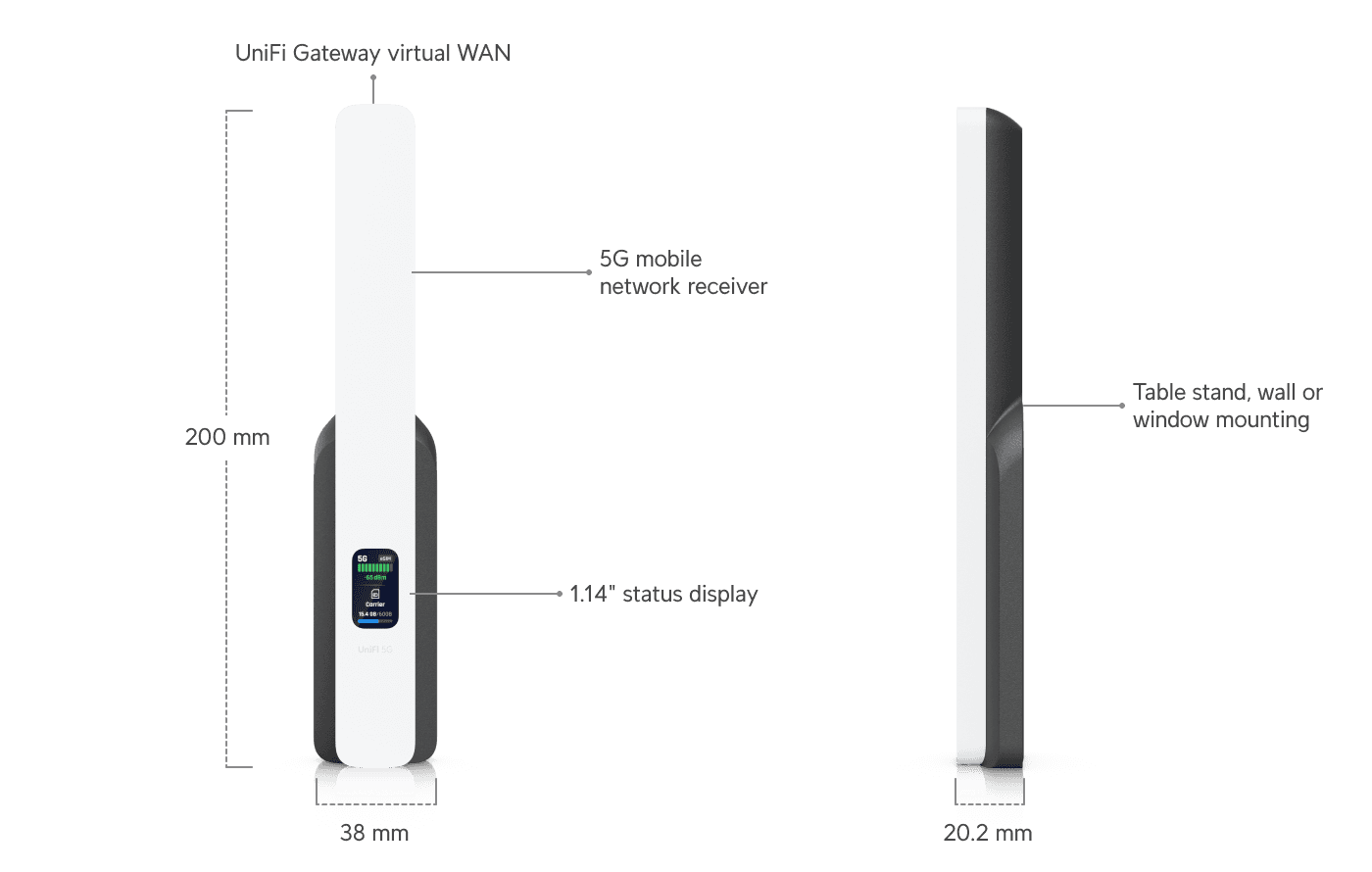
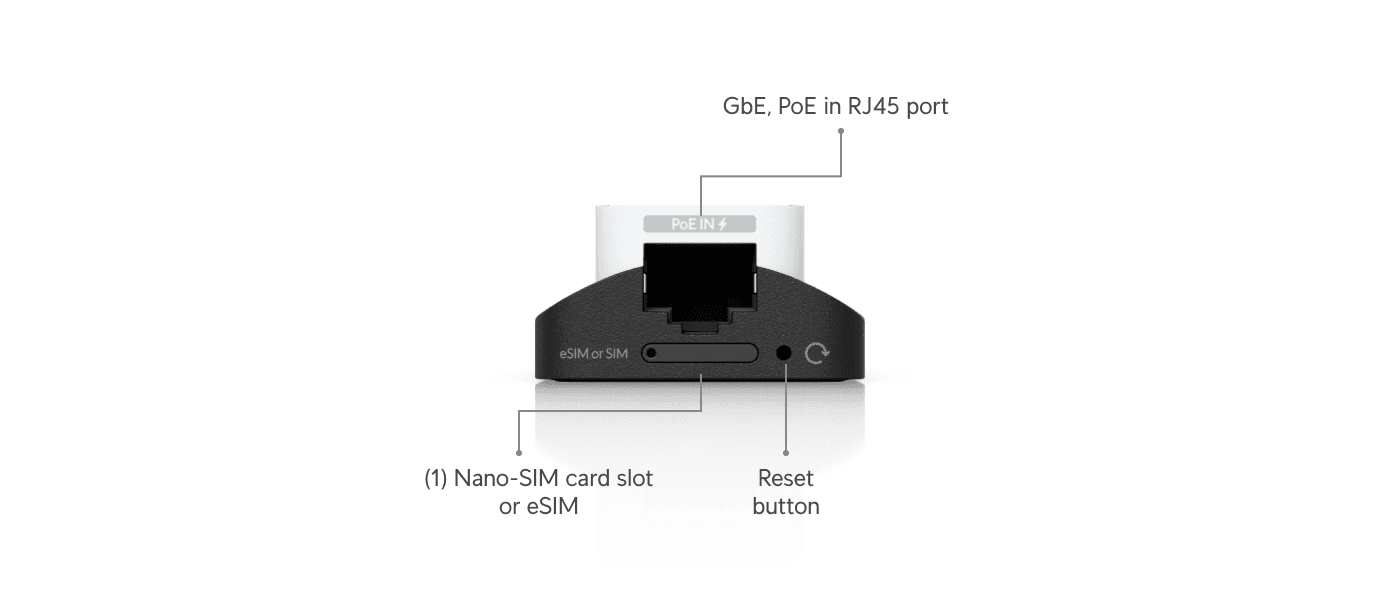
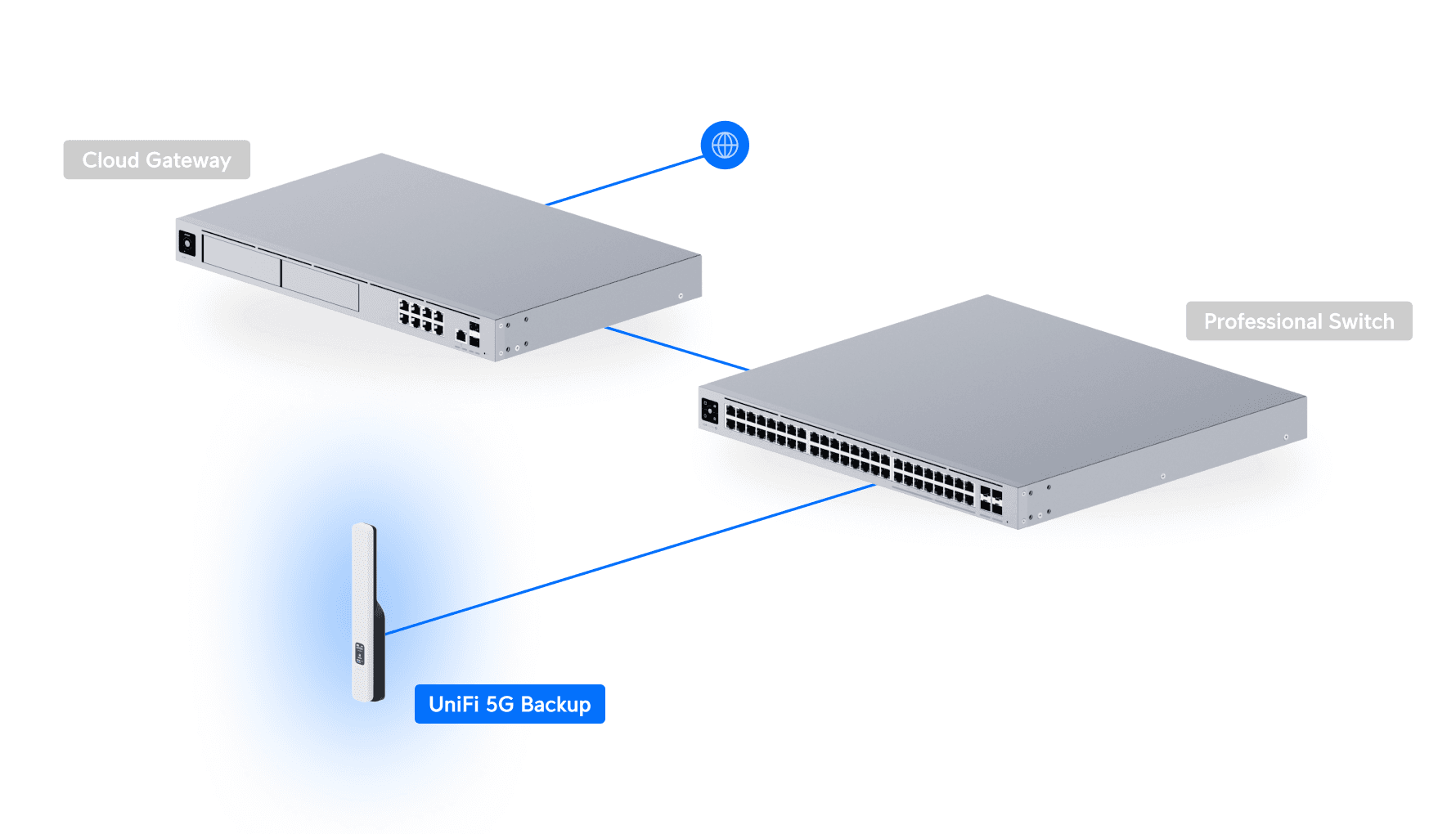
The U5G is PoE-powered, so it plugs into any port on a UniFi switch, UDM, or Cloud Gateway and pulls power and data over a single cable. You can put it on a desk stand, mount it to a wall, or stick it to a window if cellular reception inside the building is marginal. The device has a built-in status screen showing carrier, signal strength, and data usage.
Setup is the part that surprised us. Adoption took one click in the UniFi Network controller. The U5G auto-configured itself as a failover WAN with no manual port priorities or routing rules. You insert a SIM card (or activate the included eSIM through the UniFi mobile app), wait about thirty seconds, and it is online.
When the primary internet drops, failover happens in under a second on the first switch. When the primary comes back, there is sometimes a brief pause of one or two seconds as it switches back. On a Zoom call you might get a quick on-hold tone, but the call does not drop. Compare that to losing the whole call for the five-to-fifteen minutes your ISP usually takes to recover, and the difference is real money.
For businesses running a UDM-based primary network, the U5G drops right in as a second WAN — no controller upgrades, no extra licenses, no separate billing relationship to manage.
Where the U5G Wins (and Where It Doesn't)
Walk through these checks before you buy:
- Strong 5G signal at the install location. The U5G is line-of-sight to a cell tower. If your phone gets one or two bars of 5G inside your building, the U5G will see roughly the same. If you get nothing, no router can fix that.
- You already run a UniFi controller (UDM, UCG, or any UniFi gateway). The U5G is a UniFi device that adopts into your existing console; it is not a standalone router for non-UniFi networks.
- Your backup usage is bursty, not sustained. Red Cap is plenty for calls, cloud apps, email, and point-of-sale. It is not the right pick if your office needs a sustained 100+ Mbps connection during the failover window.
- You can put it somewhere with good reception. A window-facing wall or upper floor will outperform a basement closet every time.
If two or three of those check out, the U5G is the right device. If your office has weak cellular signal indoors and a heavy-bandwidth backup requirement, look at the 5G Max ($399) or 5G Max Outdoor for better antennas and mounting flexibility.
What This Means for Your Business
The conversation about internet redundancy has always been a question of how much you are willing to spend. The U5G makes that question almost trivial. $99 up front and around $20 a month for cellular service is in the noise of any SMB IT budget, and it solves a problem that actually derails revenue — missed sales calls, frozen point-of-sale systems, employees stuck waiting for the connection to come back.
We are increasingly recommending the U5G as a default for any office where the team runs cloud-based workflows, the primary ISP has a history of getting flaky, or downtime has a measurable cost. For most small businesses, all three apply. Designing a network with proper redundancy used to be a question of budget; with the U5G in the mix, it is really a question of whether you have ten minutes to set it up.
Where to Buy
If you're ready to give the U5G a try, shop UniFi through our affiliate link — it supports the channel at no extra cost to you.
DPC Technology has been the trusted IT partner for small businesses across Florida, Georgia, and South Carolina since 1995, with deep specialization in managed IT, cybersecurity, and network design for SMBs that need their internet to actually stay up. If your business has 10 or more employees in the Southeast and you're looking for an ongoing managed services partner, give us a call at (844) 260-5020.