
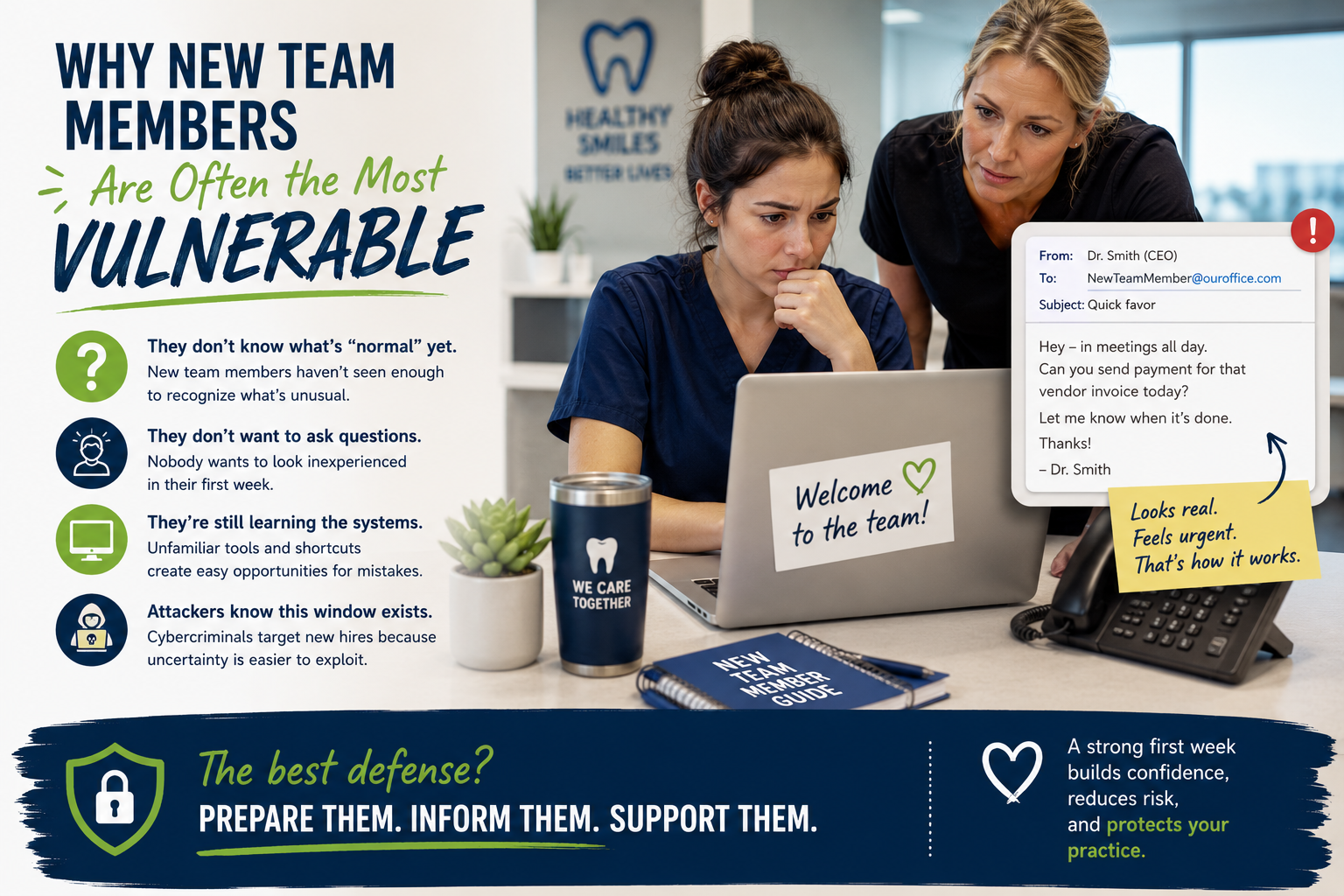
The First Week Mistake No Dental Practice Plans For
It usually starts with a simple message.
“Hey, can you help me with this really quick?”
“Can you send over that payment?”
“Can you log into this account for me?”
The email looks legitimate. The name sounds familiar. And your newest team member—still learning names, systems, and routines—just wants to be helpful.
So they respond.
And without realizing it, they’ve just opened the door to a cybersecurity problem.
Why New Team Members Are Often the Most Vulnerable
In dental practices, onboarding moves fast.
There are patients waiting. Phones ringing. Schedules packed. Everyone is trying to help the new hire get comfortable while also keeping the day moving.
That’s exactly why the first week can be risky.
New employees don’t yet know:
- What a normal request looks like
- How doctors or office managers usually communicate
- Which systems are secure
- What should raise a red flag
And because they’re new, they often hesitate to ask questions. Nobody wants to feel like they’re slowing the team down during week one.
The reality is, most first-week mistakes don’t come from carelessness. They come from trying to be helpful.
The Small “Temporary” Habits That Create Bigger Risks
We see this all the time during onboarding:
- Someone shares a login “just for today”
- A password gets written down to make things easier
- Files are saved locally because access isn’t fully set up yet
- A personal phone gets used to check work email quickly
None of these feel dangerous in the moment.
They feel practical.
But when systems aren’t fully prepared ahead of time, small shortcuts quietly become security gaps.
And cybercriminals know onboarding periods are when businesses are most vulnerable.
A Better First Day Looks Simpler Than You Think
Good onboarding doesn’t need to feel overwhelming or overly technical.
In fact, a few simple steps make a huge difference.
1. Have Technology Ready Before Day One
Computers, logins, permissions, and email accounts should already be set up.
The less improvising your team has to do, the safer and smoother onboarding becomes.
2. Explain What “Normal” Looks Like
Take 10 minutes to walk through basic expectations:
- Would ownership ever request payments over email?
- What should they do if something feels suspicious?
- Who can they ask for help?
That small conversation builds confidence quickly.
3. Make It Easy to Ask Questions
Most new hires stay quiet because they don’t want to look inexperienced.
Creating a culture where questions are encouraged is one of the best security tools a practice can have.
Why This Matters for Dental Practices
Your front desk team, assistants, hygienists, and office managers all interact with sensitive systems every single day:
- Patient records
- Insurance information
- Payment systems
- Scheduling platforms
- Internal communication tools
One rushed moment during onboarding can affect far more than a single inbox.
But the good news? Most of these risks are completely preventable with a little preparation.
The Goal Isn’t Perfection — It’s Support
At DPC Technology, we believe good security should support your team, not overwhelm them.
Especially during onboarding.
Because the safest dental practices aren’t the ones with perfect employees—they’re the ones with clear systems, simple processes, and a team that feels comfortable asking questions.
And that makes everyone’s first week a little less stressful.
If you are interested in hiring us to manage your IT infrastructure, please reach out to us here.