
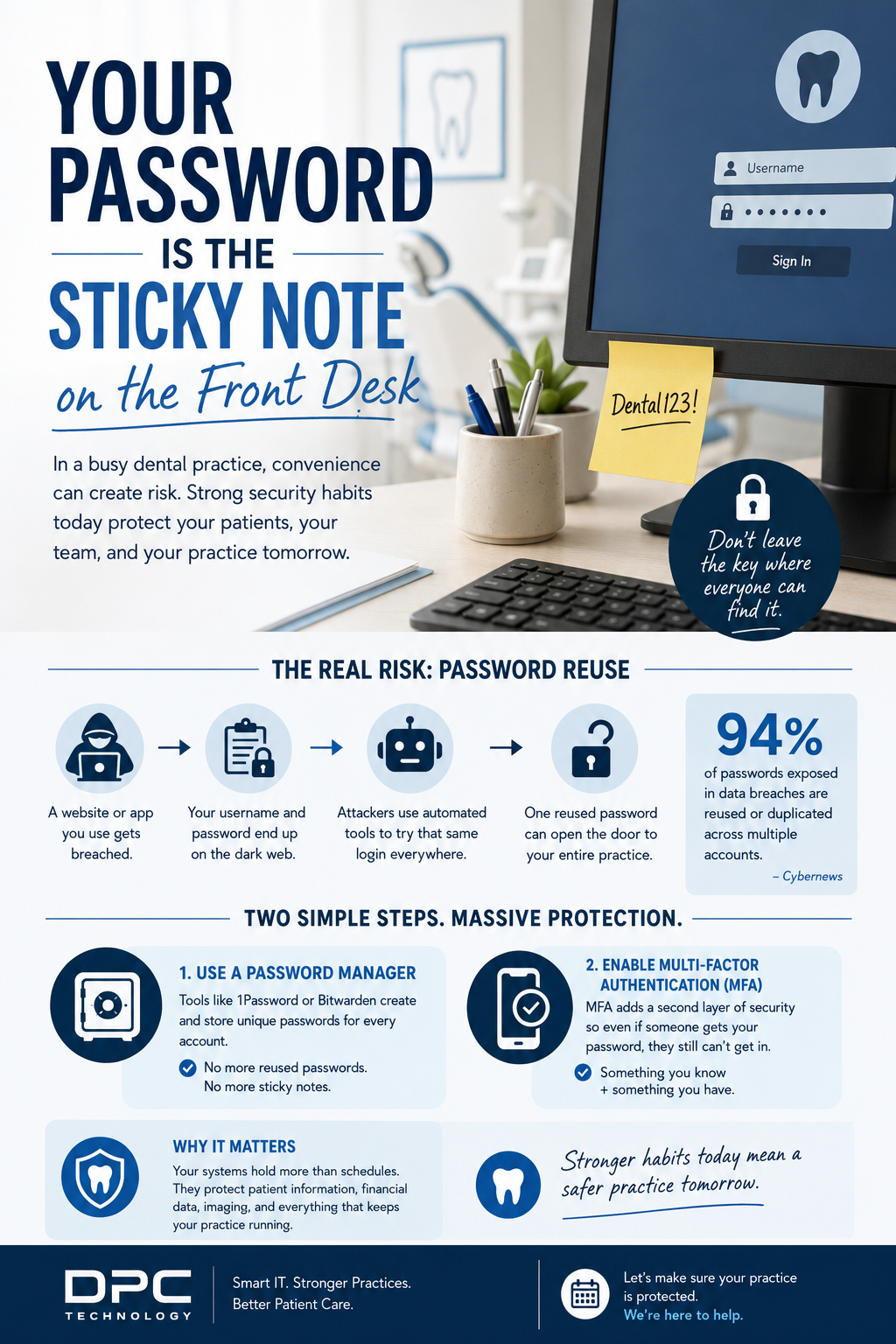
Your Password Is the Sticky Note on the Front Desk
Walk into almost any dental office and you’ll see it eventually.
A password taped under a keyboard.
A login written in a notebook.
The same password reused across email, imaging software, scheduling systems, and banking portals.
Not because anyone’s careless, because your team is busy.
In a dental practice, speed matters. When patients are waiting and schedules are full, convenience tends to win. Unfortunately, cybercriminals know that too.
And that’s exactly why passwords are still one of the easiest ways into a business.
The Real Risk Isn’t Your Password, It’s Reusing It
Most breaches don’t start inside your practice.
They start somewhere completely unrelated:
- An online shopping account
- A food delivery app
- An old vendor portal
- A website someone signed up for years ago
That company gets breached, and suddenly usernames and passwords are floating around online.
From there, attackers use automated tools to try those same logins everywhere:
- Practice management software
- Cloud backups
- Financial accounts
- Patient communication platforms
If the same password has been reused, one compromised account can open the door to everything else.
That’s called credential stuffing and it works far more often than people realize.
“Strong Enough” Isn’t Really Strong Enough Anymore
A lot of teams assume they’re safe because their password has:
- A capital letter
- A number
- A symbol
But today’s attacks aren’t someone sitting in a basement manually guessing passwords.
Modern tools can test billions of combinations in seconds.
That means passwords like:
- Dental123!
- Welcome1
- Office2024!
…don’t last very long.
Longer passwords are better. Unique passwords are even better.
But the truth is, passwords alone are no longer enough.
The Two Things Every Dental Practice Should Have
Good security doesn’t rely on people being perfect.
It creates systems that protect the practice even when humans make normal mistakes.
That’s why we recommend two essentials for every office:
1. A Password Manager
Tools like 1Password or Bitwarden create and store unique passwords for every account.
That means your team doesn’t have to remember complicated logins—and more importantly, they stop reusing the same password everywhere.
2. Multi-Factor Authentication (MFA)
MFA adds a second layer of protection.
So even if someone gets a password, they still can’t access the account without a code, app approval, or trusted device.
Think of it like locking the front door and setting the alarm.
Why This Matters for Dental Practices
Your systems hold more than schedules.
They contain:
- Patient information
- Financial records
- Insurance data
- X-rays and imaging
- Internal communications
One compromised password can disrupt your entire practice, not just your technology.
And most cyberattacks don’t happen because someone was reckless.
They happen because small habits quietly became normal over time.
A Quick Gut Check
Ask yourself:
- Are passwords being reused anywhere in the office?
- Is MFA enabled on email and critical systems?
- Would your team know if a login was compromised?
- Are passwords stored securely, or written down somewhere convenient?
If you’re unsure, you’re not alone.
Most practices simply haven’t had the time to step back and review everything.
The Good News
This is one of the easiest security improvements you can make.
No massive overhaul.
No complicated technology.
Just smarter systems that reduce risk and make life easier for your team.
At DPC Technology, we help dental practices build security that works in the real world, without slowing down patient care.
Because protecting your practice shouldn’t depend on remembering one perfect password.
If you are interested in hiring us to manage your IT infrastructure, please reach out to us here.