
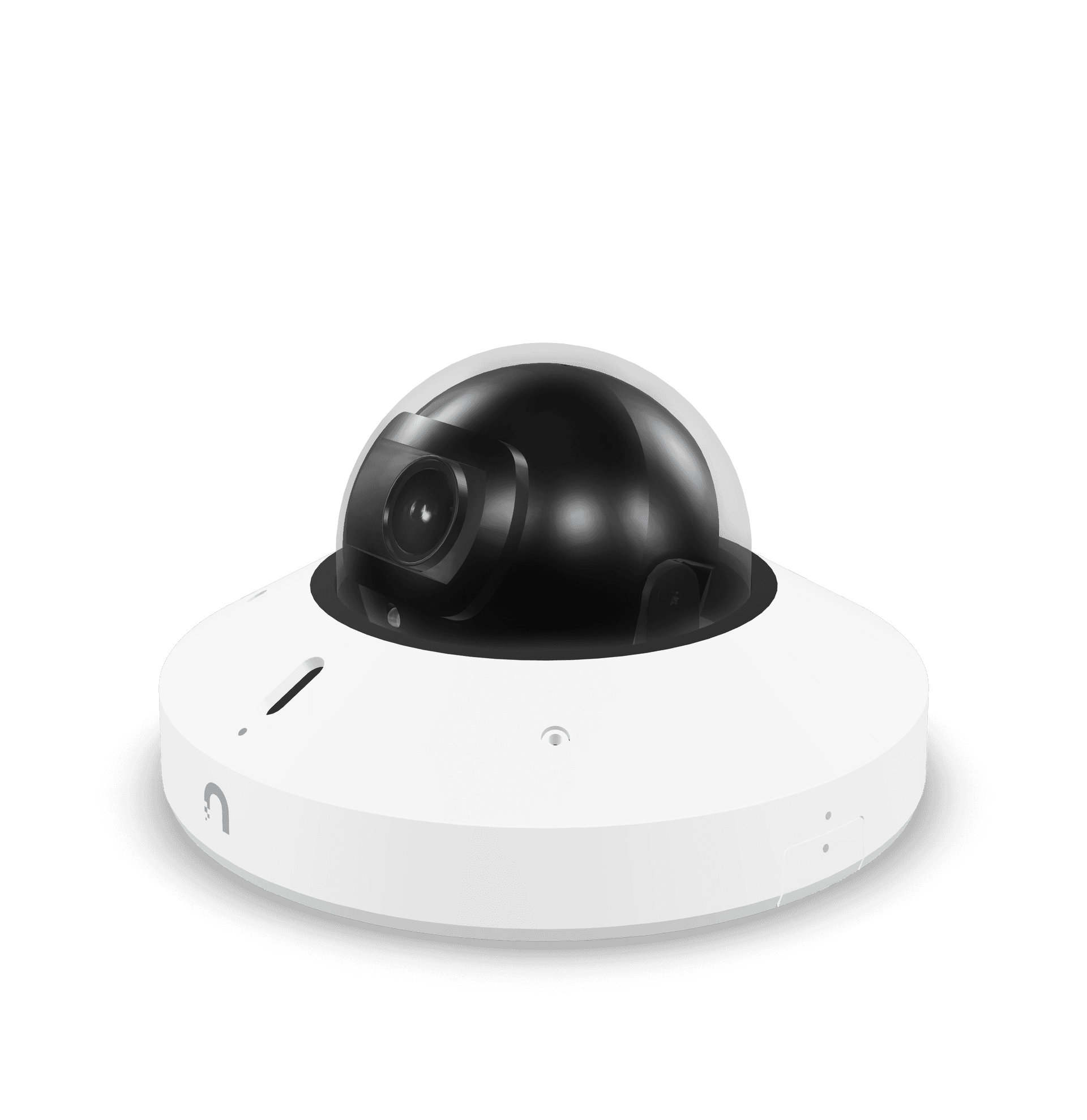
Anyone designing a camera deployment knows the recurring tension: pick the camera that disappears into the ceiling, or pick the one that fits the budget. UniFi just released a camera that leans hard on the first half of that tradeoff, and whether it earns its price tag depends entirely on the kind of install you are doing.
The G6 Mini Dome is the smallest camera in UniFi's current G6 lineup, with two-way audio and a tamper-resistant IK08 dome that most of its siblings do not include. At $299, it sits in a strange spot in the catalog, and we have spent enough time with it to have a clear opinion on when it is the right pick.
What's in the G6 Mini Dome
The Mini Dome uses the same 1/1.8-inch 8MP sensor that runs across most of the G6 line, which means image quality is essentially identical to the G6 Dome and G6 Instant. You get 4K resolution, the Multi-TOPS AI engine for face and license plate recognition, a 109.9-degree viewing angle, and 20 meters of IR night vision.
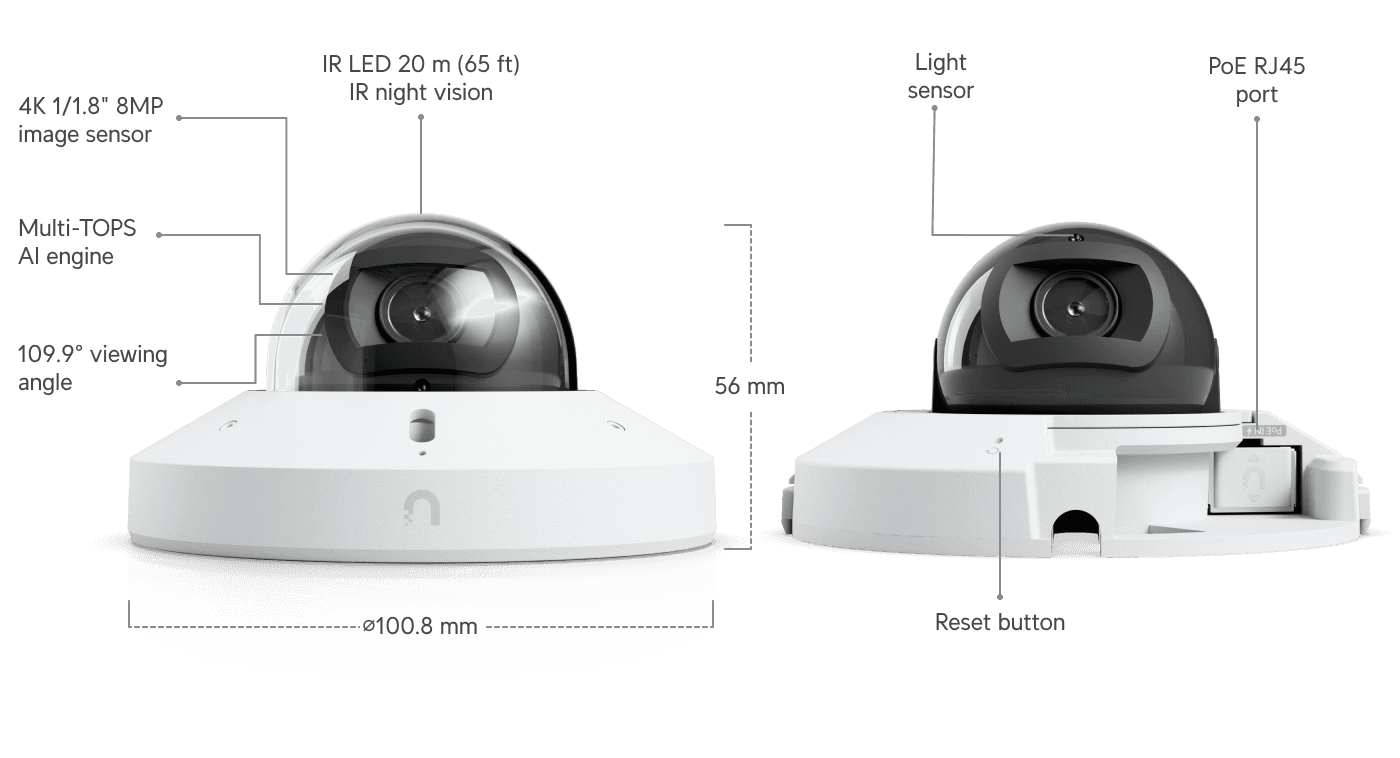
What it adds versus its closest siblings: two-way audio with a microphone and speaker on the housing, and a screw-down tamper-resistant cover that earns the IK08 rating. The box ships with two interchangeable covers — one sleek snap-on for clean installs, one tamper-resistant with a screw hole for higher-risk environments. Both ceiling and wall mounts are included. Power is regular PoE — not even PoE+ required — so it drops into any UniFi switch port without budget gymnastics.
Where It Stands in the G6 Lineup
The price is what makes this camera interesting, and not in the way UniFi would frame it. Here is the current G6 dome and turret pricing:
- G6 Instant: $179
- G6 Turret: $199
- G6 Dome: $279
- G6 Mini Dome: $299
- G6 Pro Dome: $499 (this one has the larger 1/1.2-inch sensor and digital zoom)
The Mini Dome shares its sensor and AI engine with the G6 Instant and the G6 Dome. The G6 Instant runs the same internals for $120 less. Compared against the G6 lineup we have been reviewing this year, the Mini Dome's twenty-dollar bump over the G6 Dome is easy to justify on the added two-way audio and the smaller footprint. The hundred-dollar gap up from the G6 Instant is harder to defend on specs alone. So the question is not "is this a good camera." The question is whether the form factor is worth the premium.
When Smaller Actually Matters
In commercial installs, the answer is yes, more often than you would think.
Interior designers, architects, and corporate facilities teams care about ceiling clutter. When you put a camera in a customer-facing reception area, a conference room, a clinic waiting room, or a hotel lobby, the camera that disappears wins. Hand the same client a G6 Mini Dome next to a G6 Pro Dome and they will pick the Mini almost every time.
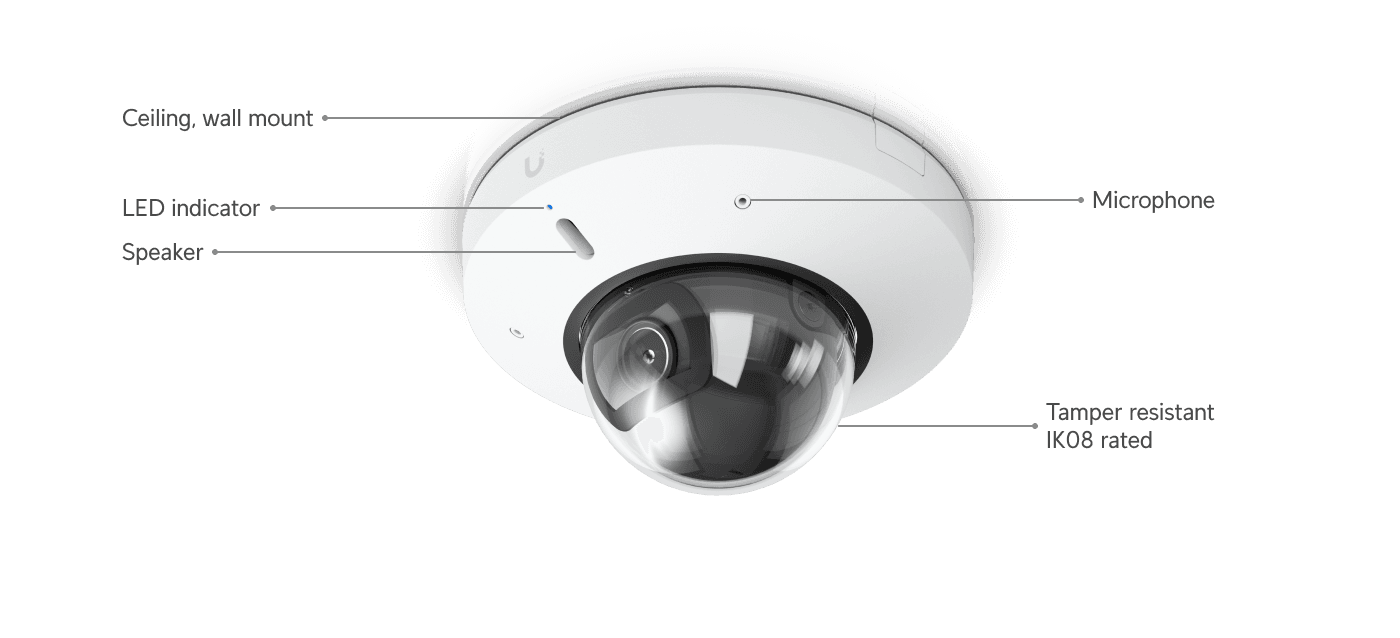
The two-way audio adds a second use case the G6 Instant cannot cover. If you need a camera that doubles as an intercom — entry doors, reception desks, drive-through windows, or any spot where a remote employee needs to actually talk to someone in the camera's frame — the Mini Dome handles it. The G6 Turret can listen but cannot talk back. The G6 Instant has neither speaker nor mic.
A Quick Gut Check Before You Spec These In
Walk through these before you put a bunch of Mini Domes in the cart:
- Is the install commercial with explicit design or aesthetic requirements? If the answer is no, the G6 Turret at $199 is almost always the better pick.
- Is two-way audio actually needed at this location? Reception desks, building entries, and intercom-style use cases — yes. Pure surveillance — no, and you are paying a premium you will not use.
- Will the cameras mount at typical eye-line ceiling height (8 to 10 feet)? If they are going on a 12-foot or higher ceiling, the size difference essentially disappears.
- Does the budget tolerate a per-camera premium across the install? Ten Mini Domes versus ten G6 Turrets is a thousand-dollar swing. That is real money on a small-business install.
If most of those say yes, the Mini Dome earns its price. If most say no, the G6 Turret or G6 Instant is the better-value pick and will give you the same image quality and AI features.
What This Means for Your Install
The smarter play on most deployments is to mix and match. Put Mini Domes in the reception areas, conference rooms, and customer-facing spaces where size and audio matter. Put G6 Turrets or G6 Instants in the back-of-house, the warehouse, the server room, the parking lot — anywhere the camera does not need to disappear and audio is not relevant. You get the design-friendly footprint where you need it and you keep the per-location cost in line.
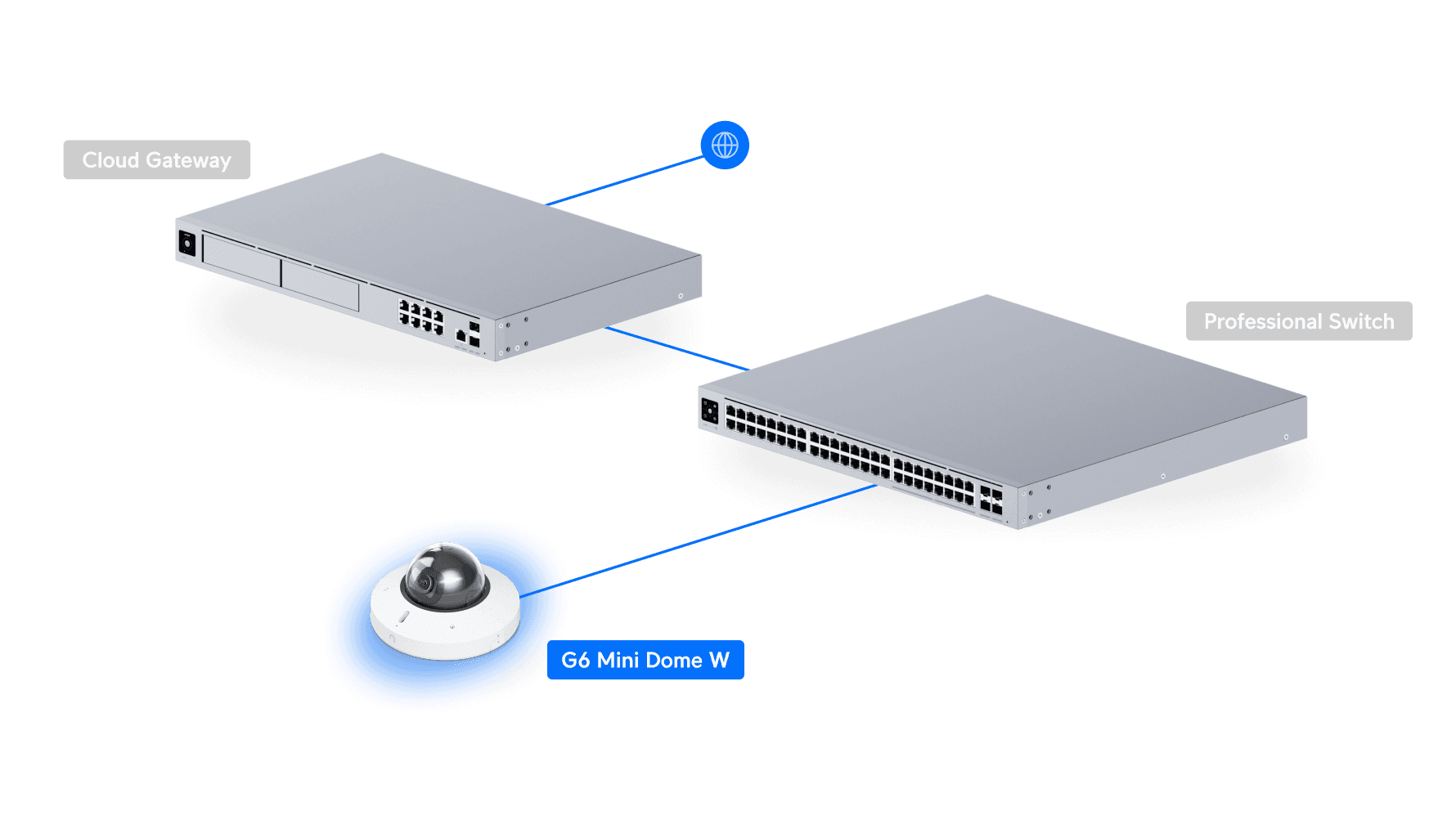
The other thing to remember is that none of these cameras are useful without the back end. All the G6 cameras feed into UniFi Protect, and the on-device AI features really come alive on the newer NVRs — we covered what changed with the UNVR G2 and Protect 7.1 recently, and the gap between an older UNVR and the G2 is now larger than the gap between the cameras themselves. If you are designing a camera deployment for a business — sizing your switches, planning storage retention, and getting AI-driven event review right — the recording infrastructure matters as much as the camera you pick.
Where to Buy
If you are spec'ing UniFi gear for an install, shop UniFi through our affiliate link — it supports the channel at no extra cost to you.
DPC Technology has been the trusted IT partner for small businesses across Florida, Georgia, and South Carolina since 1995, with deep specialization in managed IT, cybersecurity, and UniFi camera deployments. If your business has 10 or more employees in the Southeast and you're looking for an ongoing managed services partner, give us a call at (844) 260-5020.